June 09, 2026
Remote Collaboration Tools for Teams
“5 Tools Every IT Team Should Use for Remote Collaboration
Managing distributed IT teams requires the right blend of incident tracking, documentation, communication, and access tools. The most essential remote collaboration tools for IT include Jira for agile tracking, Confluence for knowledge bases, Slack for quick communication, Microsoft Intune for device management, and Splashtop for remote access.
These five core tools facilitate smooth workflows, prevent silos, and keep your infrastructure secure:
- Atlassian Jira: The standard for Agile and IT Service Management (ITSM). It allows teams to log tickets, track incident lifecycles, and manage sprints with Kanban and Scrum boards.
- Atlassian Confluence: Acts as a centralized, living wiki for the IT department. Teams use it to store runbooks, network architecture diagrams, step-by-step troubleshooting guides, and onboarding documentation.
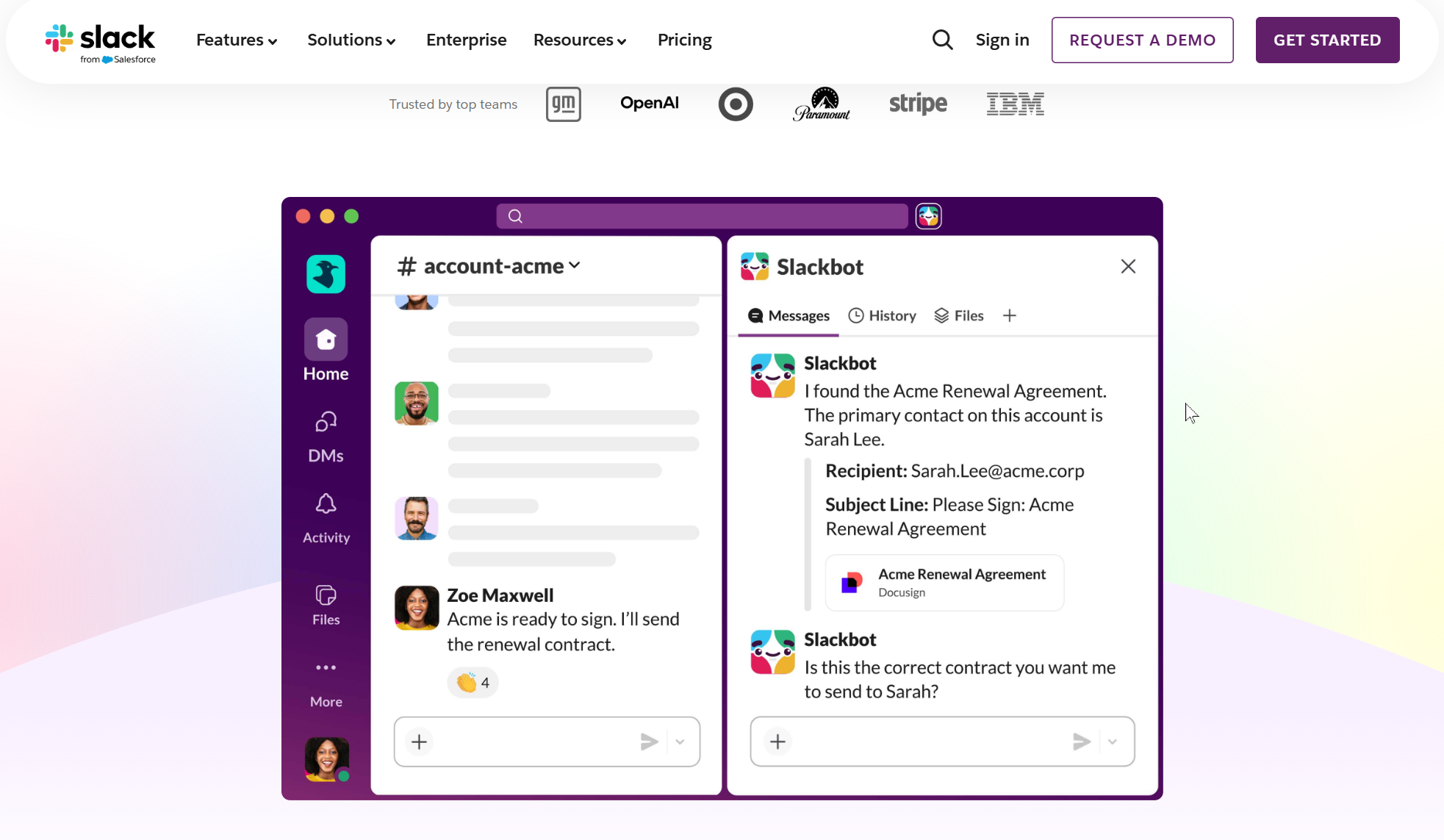
- Slack: A channel-based messaging platform critical for both synchronous and asynchronous team communication. IT teams integrate Slack with monitoring tools (like Datadog or PagerDuty) to get instant alerts and coordinate on-call responses.
 |
- Microsoft Intune: Part of endpoint management, this cloud-based tool lets IT teams securely deploy software, enforce security policies, and manage updates across all employee devices—no matter where they are located.
Microsoft Intune, formerly known as Windows Intune, is a cloud-based unified endpoint management service that allows organizations to manage both corporate-owned and BYOD (Bring Your Own Device) devicesWikipedia. It integrates with Microsoft Azure and can work alongside Microsoft Configuration Manager in a hybrid mode, providing centralized management for desktops, mobile devices, and virtual endpoints
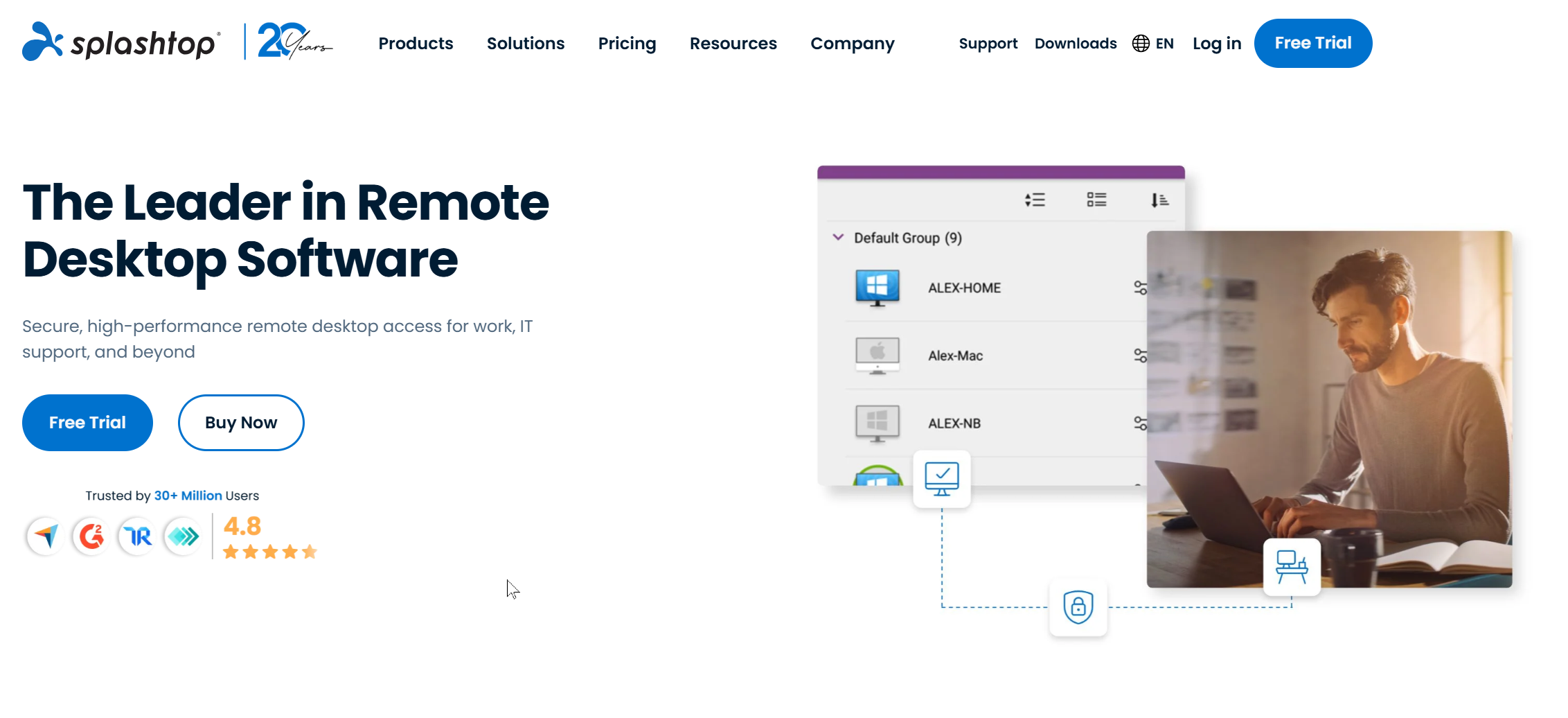
- Splashtop: Essential for remote support. It provides IT professionals with secure, high-performance remote access to troubleshoot employee workstations, servers, and virtual machines without needing to be physically on-site.
 |
If you are looking to audit your existing setup, let me know:
- How large is your current IT team?
- What specific bottlenecks are you experiencing (e.g., ticketing delays, document control, or onboarding)?
I can help identify which platforms or integrations will streamline your specific infrastructure.